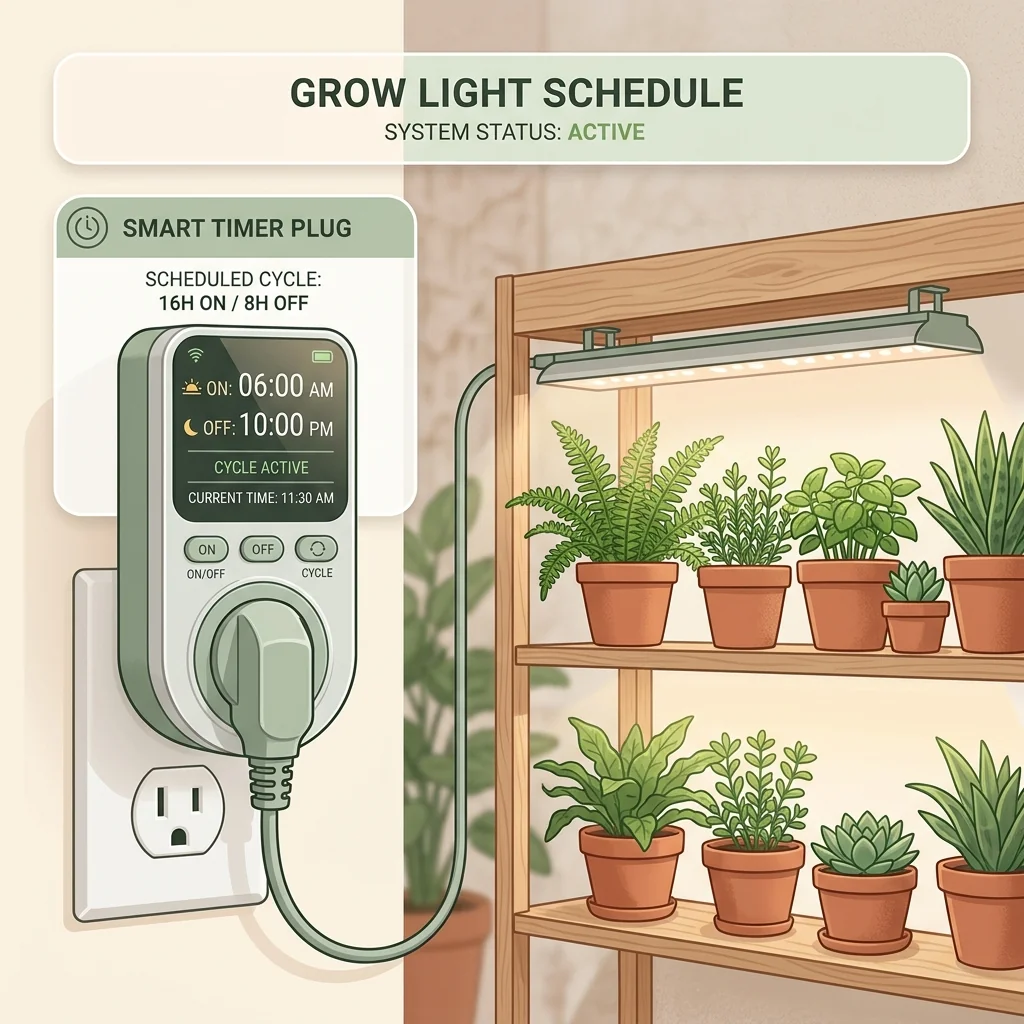
The Best Grow Light Timers Reviewed
| Timer Model & Link | Timer Type | Max Wattage / Load | Key Pros |
|---|---|---|---|
| [BN-LINK Heavy Duty Mechanical Timer](https://www.amazon.com/dp/B00MVF16JG) | Mechanical (24-Hour Pin) | 1875W / 15A | Incredibly simple, highly durable, immune to internet disconnections. |
| [Kasa Smart Plug HS103P4](https://www.amazon.com/dp/B07RCNHTN6) | Smart Wi-Fi Plug | 1800W / 15A | Control via smartphone app, precise schedules, voice commands, sunset/sunrise tracking. |
| [Century 7-Day Digital Timer](https://www.amazon.com/dp/B00DYUTZDK) | Digital Programmable | 1850W / 15A | To-the-minute scheduling, battery backup, up to 8 custom programs. |
Editorial note: Retailer links are untracked shopping references; Urban Harvest Lab does not currently receive a commission from them.
In indoor gardening, consistency is the key to unlocking massive yields. In nature, the sun rising and setting is a flawless, predictable cycle. When you grow indoors, you are the sun.
If you rely on your own memory to manually flip your grow lights on every morning and off every night, your indoor garden will suffer. If you wake up late on a weekend, your plants get too much light. If you go out for dinner and forget to turn them off, your lettuce and herbs will experience heat stress, leading to early Bolting and Bitterness.
To prevent this, automating your daily lighting photoperiod is the single most important and cost-effective upgrade you can make.
A compatible outlet timer can make a light schedule more consistent, but it cannot guarantee operation through outages, Wi-Fi failures, misconfiguration, or overload. This editorial comparison uses untracked retailer links and does not generate commission for Urban Harvest Lab. The site has not completed a documented load, endurance, or electrical-safety test of the three products; verify the current model and manual before buying.
The Direct Quick Answer
The Kasa Smart Plug HS103P4 is a smart-plug example when app scheduling and its exact regional ratings fit the setup. There is no evidence here for a “90%” or ultimate-winner claim.
It connects directly to your home Wi-Fi network, allowing you to create highly customized schedules, countdowns, and automatic sunset/sunrise tracking straight from your smartphone.
If you prefer an offline control, the BN-LINK Heavy Duty Mechanical Timer is a mechanical example. It does not rely on Wi-Fi, but it is not indestructible and still requires the correct current model, rating, environment and setup.
The Three Categories of Grow Light Timers
When shopping for an outlet timer, you will choose between three basic technologies:
1. Mechanical (Pin) Timers
These are the classic dial timers that have been used in horticulture for decades.
- How they work: A central dial rotates like a clock face. You push physical plastic segments (pins) down or up to set the ON and OFF periods (usually in 15 or 30-minute intervals).
- Pros: Incredibly cheap, foolproof, and completely offline. A Wi-Fi router crash will never disrupt them.
- Cons: If your home loses power, the physical clock dial stops spinning, throwing the schedule off until you manually rotate it back to the current time.
2. Digital Programmable Timers
These timers feature an LCD screen and onboard digital chip.
- How they work: You program the exact time (hours and minutes) using the physical buttons on the plug.
- Pros: Precise to-the-minute scheduling. Most models feature an internal battery backup, meaning their clock keeps running during a power outage.
- Cons: Programming them can be tedious, requiring you to click through endless menus on a tiny screen.
3. Smart Wi-Fi Plugs
The modern standard for connected indoor gardens.
- How they work: The plug connects to your home router. You program the schedule via a smartphone app (like Apple Home, Google Home, or specialized smart brand apps).
- Pros: Extremely easy to configure, allows remote control from anywhere in the world, tracks energy consumption, and integrates with voice assistants.
- Cons: If your Wi-Fi network drops, some advanced smart functions (like cloud triggers) may fail to execute.
The Top 3 Grow Light Timers Reviewed
The examples below were selected from listed functions and intended use, not from a hands-on reliability or safety test. Product versions and ratings change by market. Never infer safe load from a similar model name.
1. The Smart Choice: Kasa Smart Plug by TP-Link (HS103P4)
This is the smart option in the comparison when app scheduling is wanted.
- Specs: 15A rating, Wi-Fi 2.4GHz, Alexa/Google compatible, scheduling app.
- Why it may fit: TP-Link documents scheduling, 2.4 GHz Wi-Fi and a 15 A resistive maximum for the referenced US HS103 family. Confirm exact hardware version, regional voltage, lamp load type, app requirements and whether the plug blocks your particular outlet.
- Find it on Amazon: Kasa Smart Plug HS103P4
2. Offline Mechanical Example: BN-LINK 24-Hour Mechanical Timer
For growers who prefer a simple offline control.
- Specs: Dual grounded outlets, 15-minute pin increments, 15A heavy-duty switch.
- Why it may fit: Mechanical controls avoid accounts and Wi-Fi. They still have model-specific load ratings, time resolution, noise, drift and indoor/outdoor limitations; do not assume surge handling or indestructibility without the exact manual.
- Find it on Amazon: BN-LINK Heavy Duty Mechanical Timer
3. The Digital Precision Pick: Century 7-Day Digital Programmable Timer
Ideal for growers who want highly customized weekly schedules or have different timing needs for weekends.
- Specs: Grounded single outlet, up to 8 daily ON/OFF programs, battery backup.
- Why it may fit: A listed backup feature can preserve programming through some interruptions. Verify what the battery backs up, replacement instructions, maximum load and grounded-outlet requirements for the current version.
- Find it on Amazon: Century 7-Day Digital Timer
Designing Your Light Schedule
Once your timer is installed, match your photoperiod schedule to your specific crop category:
- Leafy greens and lettuce: a 14- to 16-hour starting schedule is common, but bolting also depends strongly on crop, temperature, stress and maturity. Duration cannot compensate for weak intensity; see lettuce bolting.
- Microgreens: use the crop and system guidance, often starting around 12 to 16 hours after emergence. Sprouts intended to be grown and eaten without light are a different process and should not be conflated with microgreens.
- Fruiting crops: a long photoperiod is only one input. Output, DLI, dark period, temperature, variety and pollination determine performance.
A correctly specified timer removes one repetitive task. Check it after outages and seasonal clock changes, keep it dry, and inspect plug and cable temperature. Automation does not secure yield by itself.
Buying and safety checklist
- Match voltage, frequency, plug type, environment rating and load type to the exact lamp and country.
- Stay within the timer and circuit ratings; a stated resistive maximum is not permission to ignore inrush or manufacturer restrictions.
- Use indoor-only products indoors and away from irrigation. Do not daisy-chain adapters or use damaged cords.
- Test schedule recovery after a brief unplugging before leaving plants unattended.
- For smart plugs, review account, update and privacy requirements and keep firmware supported.
Sources
Optimizing your system lighting?
Timers are only half the battle. You must position your lights at the correct distance and choose the right spectrum. Check these guides.
Common questions
What happens to my grow light schedule during a power outage?
Mechanical timers will physically freeze during a power cut, meaning their schedule will be thrown off by the duration of the outage. Digital timers with built-in battery backups, and smart Wi-Fi plugs that sync with cloud time, will automatically resume their correct schedules once power is restored.
Can I plug a high-power grow light into a standard cheap timer?
Ratings vary by exact model, market, voltage, load type and environment. Read the timer and lamp manuals, account for any inrush limits, and remain within every applicable rating; do not apply an invented universal 80% rule in place of manufacturer and electrical-code guidance.
Should I run my air pump or water pump on the same timer?
No. Hydroponic water pumps and air pumps must run **24 hours a day, 7 days a week** to prevent root suffocation and stagnant water. Only your grow lights should be connected to a timer.
Related guides
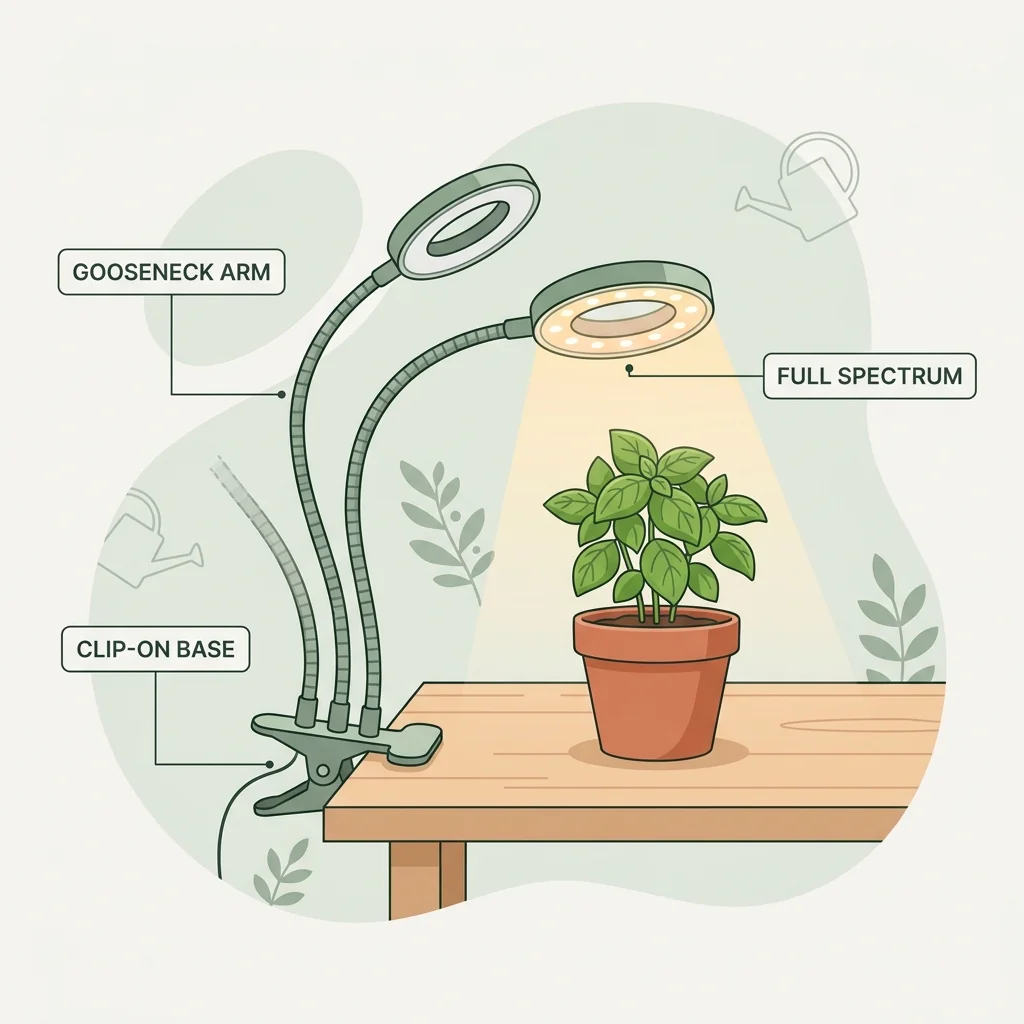
Best clip-on grow lights for herbs (buyer's guide)
You do not need to install massive ceiling-mounted grow panels or ugly industrial fixtures to keep your indoor herbs alive. With a flexible, clip-on gooseneck LED grow light, you can clamp a soft, full-spectrum light source directly onto your desk or windowsill in seconds. Here are our top-rated options.
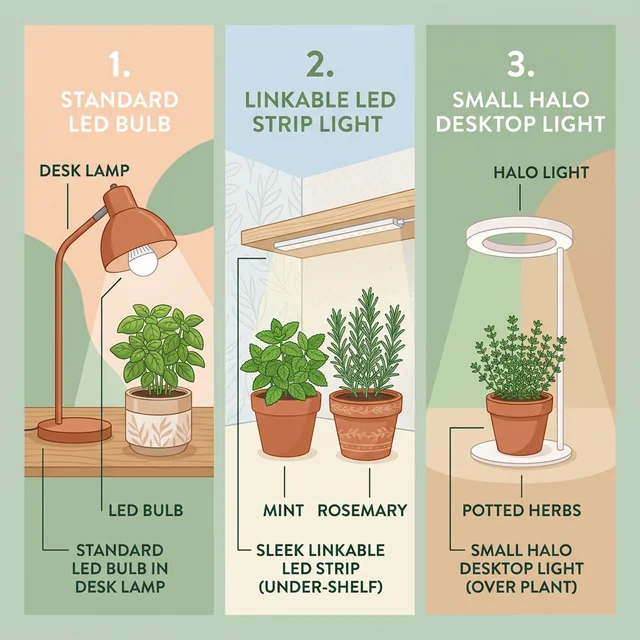
Best grow lights for herbs: what actually matters before you buy
Most indoor herbs don't need a massive, expensive grow tent light. Here is how to choose the right LED bulbs, strips, or halos for your real apartment setup.
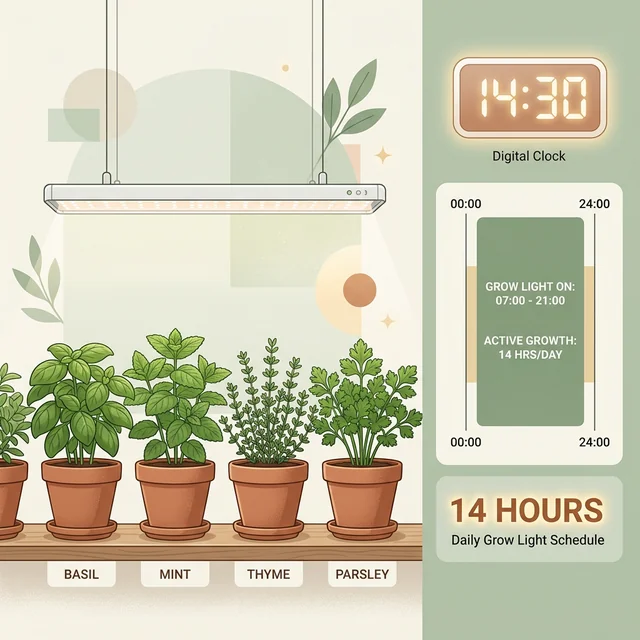
How many hours should grow lights run for herbs? 12-16
Most herb grow lights should run about 12 to 16 hours per day, but intensity, distance, and a stable dark period matter as much as the timer itself.